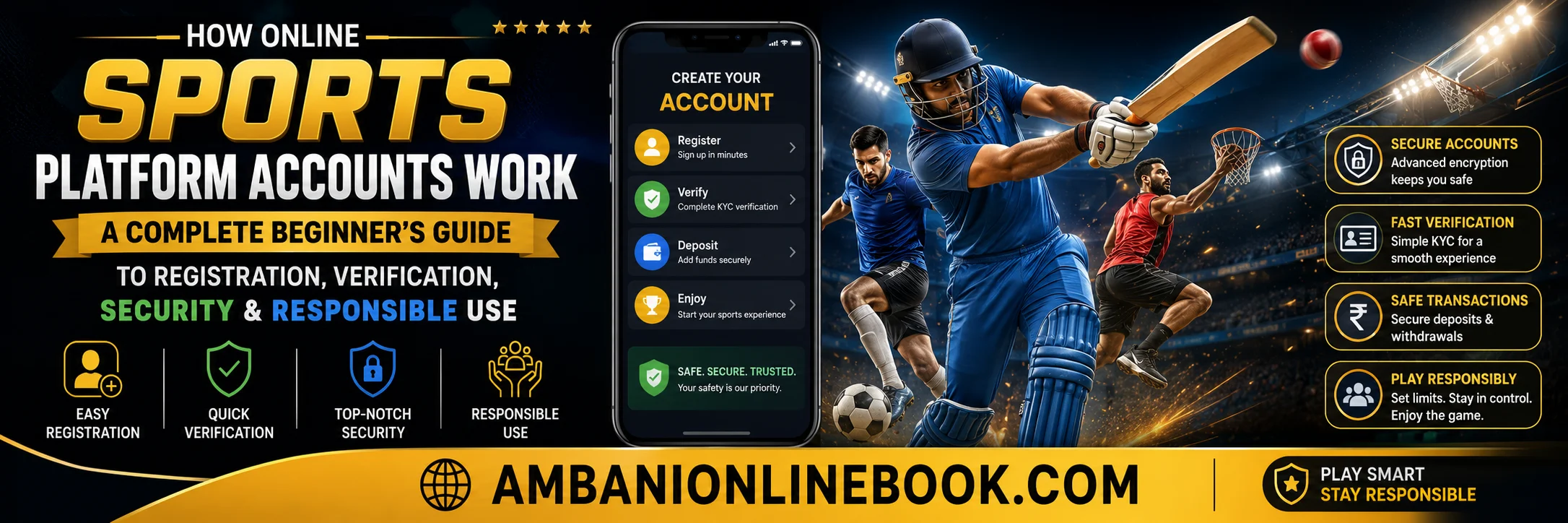
How Online Sports Platform Accounts Work: A Complete Beginner’s Guide to Registration, Verification, Security & Responsible Use
Introduction
Online sports platforms allow users to follow sporting events, manage personal profiles, and in some cases access interactive features offered by licensed operators. Before using any such service, it’s important to understand how accounts are created, verified, protected, and managed.
This guide explains the typical account lifecycle—from registration and identity verification to security best practices and responsible use. While features vary by platform and country, the principles discussed here apply broadly.
What Is an Online Sports Platform Account?
An online sports platform account is a personal user profile that allows access to services provided by a website or mobile application. Depending on the platform, users may be able to:
- Create a personal profile
- Verify their identity
- Manage account settings
- View transaction or activity history
- Access customer support
- Enable security features such as two-factor authentication
The exact features depend on local laws and the platform’s policies.
How Registration Typically Works
Creating an account usually involves these steps:
- Visit the platform’s website or app.
- Select Sign Up or Create Account.
- Enter basic details such as:
- Full name
- Date of birth
- Email address
- Mobile number
- Create a strong, unique password.
- Accept the platform’s terms and privacy policy.
- Verify your email address or phone number using a one-time code.
Some services may request additional information before the account becomes fully active.
Why Identity Verification (KYC) Is Required
Many regulated online services require identity verification, often referred to as Know Your Customer (KYC).
The purpose is to:
- Confirm the user’s identity
- Prevent fraud and identity theft
- Meet legal and regulatory requirements
- Protect accounts from unauthorized access
- Reduce financial crime
Typical documents may include:
- Government-issued photo ID
- Proof of address
- Selfie or live identity check (where required)
Verification times vary depending on the platform.
Creating a Strong Password
A secure password is one of the best defenses against unauthorized access.
Good practices include:
- Use at least 12 characters.
- Mix uppercase and lowercase letters.
- Include numbers and symbols.
- Avoid names or birthdays.
- Use a different password for every website.
- Consider a password manager.
Enable Two-Factor Authentication (2FA)
If available, enable two-factor authentication.
With 2FA, logging in requires:
- Your password, and
- A one-time verification code from an authenticator app or SMS.
This greatly reduces the risk of account compromise if your password is leaked.
Protecting Personal Information
Responsible platforms encourage users to:
- Keep login credentials private.
- Never share verification codes.
- Log out on shared devices.
- Avoid using public Wi-Fi for sensitive activity.
- Keep apps and browsers updated.
Common Login Problems
Users may occasionally experience issues such as:
Forgotten Password
Use the platform’s password recovery option and create a new strong password.
Verification Code Not Received
- Check spam folders.
- Confirm your phone number or email.
- Wait a few minutes before requesting another code.
Locked Account
Accounts may be temporarily locked after repeated failed login attempts. Contact customer support if necessary.
Recognizing Online Scams
Be cautious of:
- Fake login pages
- Phishing emails
- Messages requesting passwords
- Requests for one-time verification codes
- Offers that seem unusually generous
Always verify that you are using the official website or application.
Privacy Matters
Before creating an account:
- Read the privacy policy.
- Understand what data is collected.
- Review how information is stored.
- Learn how to delete or deactivate your account if desired.
Responsible Use
If a platform involves real-money activities, responsible use is essential.
Helpful practices include:
- Set spending limits.
- Take regular breaks.
- Never spend money you cannot afford to lose.
- Avoid making decisions while emotional.
- Seek help if the activity becomes difficult to control.
Many regulated platforms provide responsible gaming tools such as deposit limits, cooling-off periods, and self-exclusion options.
Frequently Asked Questions
Is identity verification always required?
Not always. Requirements depend on the platform, its services, and local regulations.
Is two-factor authentication mandatory?
Some platforms require it, while others offer it as an optional security feature.
Can I use the same password everywhere?
No. Reusing passwords increases security risks if one account is compromised.
What should I do if I suspect my account has been hacked?
Change your password immediately, enable 2FA if available, and contact the platform’s support team.
How can I stay safe online?
Use strong passwords, enable 2FA, avoid phishing links, and keep your devices updated.
Conclusion
Understanding how online sports platform accounts work helps users make informed decisions about registration, identity verification, privacy, and security. Regardless of the service you choose, protecting your personal information and following responsible online practices are essential for a safer digital experience.